
















 Follow Us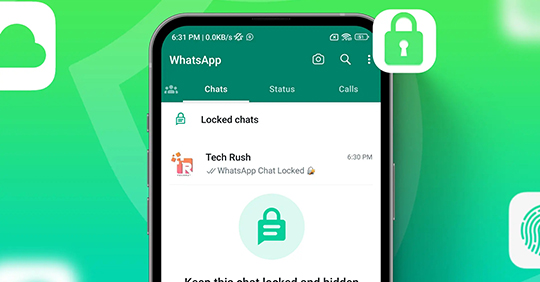
Mark Zuckerberg, the creator of Facebook and Meta, introduced Monday a new feature for WhatsApp dubbed “Chat Lock” that encrypts users’ private talks. WhatsApp’s new Chat Lock feature is designed to keep users’ communications more private and secure. Users’ ‘intimate interactions’ would be shielded from prying eyes thanks to the new functionality.
Why did Meta roll out this feature?
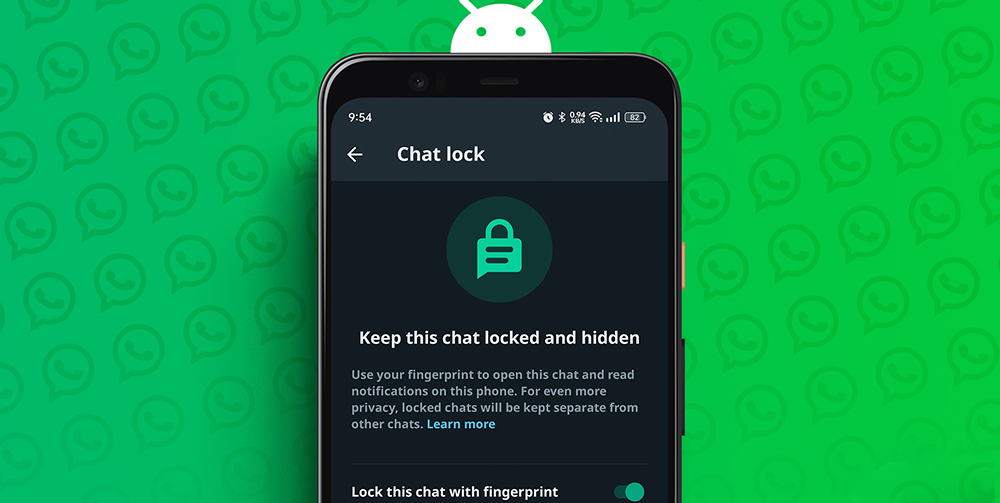
Users will be prompted to input their device password or biometric information like fingerprint touch or facial recognition to view any new notifications linked to these “locked chats.” WhatsApp said it would expand Chat Lock’s features in the coming months. Two new capabilities are the option to lock conversations on your companion devices and set a separate password from your phone’s lock code. The new conversational lock function is coming to both iOS and Android.
What’s new in this security feature?
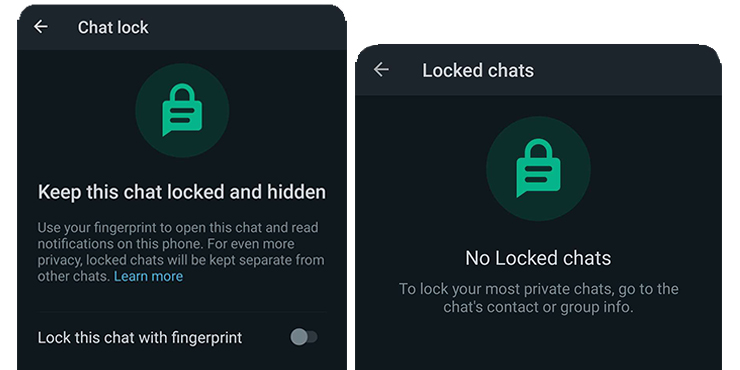
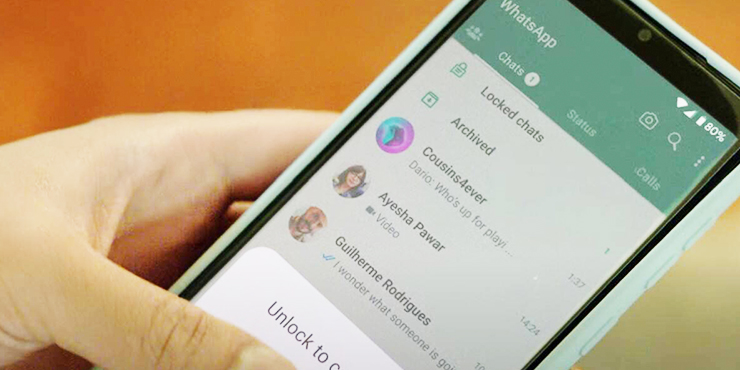
According to Meta, this function allows you to password-protect a special folder containing your most personal discussions. If a conversation is locked and someone sends you a message, you won’t see who sent it or what it said.
● When a WhatsApp discussion is ‘locked,’ it disappears from the inbox and is stored in a separate folder. The conversation is also automatically concealed in alerts.
● To secure a conversation, a user must tap the conversation’s name and choose the lock option. With the latest software update, users on both Android and iOS devices will have access to the new feature.
● A device password or biometric authentication, such as a fingerprint, must enter a private conversation.
● According to Meta, users who occasionally lend their phones to friends and relatives may appreciate the ability to lock a chat.
● In the coming months, features will be introduced to Chat Lock, such as locks for companion devices and personalized chat passwords that may be used in place of the user’s phone’s default lock code.
How to secure your WhatsApp conversations?
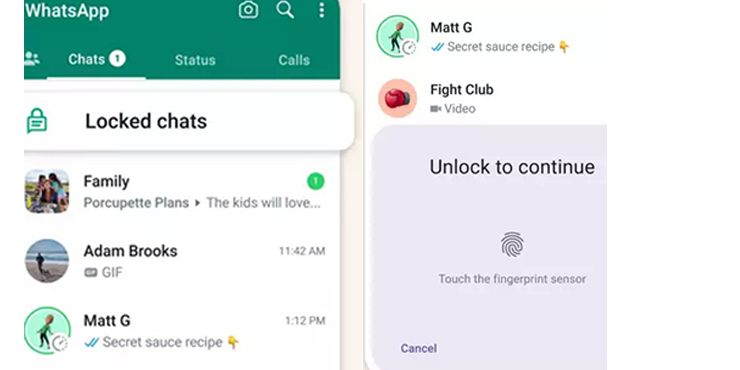
To lock a contact or group:
1) Tap on their name.
2) Select the Chat Lock link found on the Contact page.
3) Select the method of locking your conversation, whether a password or biometric information.
4) A password or biometric information protects confidential phone calls.
Wrapping up
WhatsApp now enables users to make polls with a single vote, search for polls within conversations, and get updates whenever someone votes on their polls. WhatsApp also just launched support for attaching captions when sending photos or documents.