














 Follow Us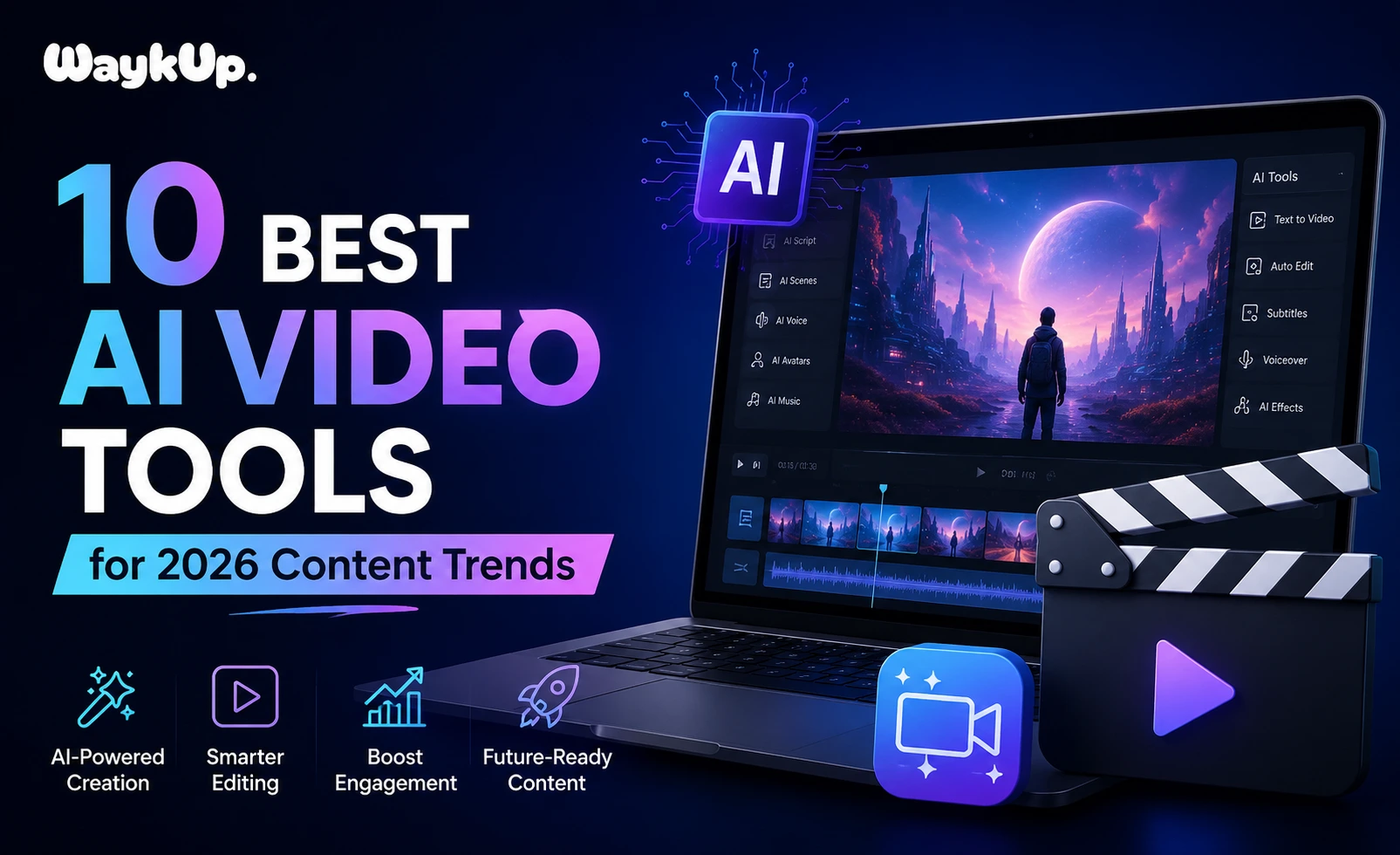
If you’ve been creating content for any length of time, you already know the pressure. Deadlines are tighter, audience expectations are higher, and the platforms keep multiplying. Somewhere between scripting, filming, editing, and publishing, the whole thing starts to feel like a full-time job, because it is.
That’s exactly why so many creators, marketers, and businesses are turning to AI video tools in 2026. Not to replace creativity, but to stretch it further without burning out. I’ve spent the better part of two decades working in content strategy and SEO, and I’ll be honest: the leap that AI video creation tools have taken in the last couple of years is genuinely impressive. We’re not talking about clunky, robotic output anymore. We’re talking about polished, publish-ready videos that would have taken days to produce just two years ago.
So let’s get into it. Here are the 10 best AI video tools worth your attention this year, what makes each one stand out, and who they’re best suited for.
Why AI Video Tools Matter More Than Ever in 2026
Before jumping into the list, it’s worth taking a moment to understand why this conversation is so relevant right now.
Short-form video continues to dominate. YouTube Shorts, Instagram Reels, and TikTok aren’t going anywhere, and long-form content on YouTube is making a serious comeback too. The demand for consistent, high-quality video content has never been higher, but most creators and small teams simply don’t have the bandwidth (or budget) to keep up manually.
AI tools for video content have matured to the point where they can handle text-to-video generation, automated editing, voiceovers, subtitles, avatar presenters, and even full scene creation from a script. That changes the math significantly for solo creators and lean marketing teams alike.
Read Also: Instagram Algorithm Update 2026
The 10 Best AI Video Tools You Need in 2026
Not every tool on this list will be right for you, and that’s completely fine. Some are built for solo creators working from a bedroom studio. Others are designed for marketing teams managing dozens of campaigns at once. A few sit somewhere in between.
What they all have in common is this: they genuinely save time, reduce friction, and help you produce better video content than you could without them. Each tool has been picked based on output quality, ease of use, pricing value, and how well it fits into real content workflows in 2026.
Let’s go through them one by one.
1. Runway ML: Best for Creative AI Video Generation
Runway has become something of a gold standard among professional content creators who want cinematic-quality output. Its Gen-3 Alpha model produces strikingly realistic video from text prompts and images, making it one of the most capable text-to-video AI tools available right now.
What sets Runway apart is the level of creative control it gives you. You’re not just clicking a button and hoping for the best. You can guide camera motion, adjust pacing, and layer elements to get something that actually matches your vision. It’s a bit of a learning curve, but for serious content creators, that depth is a feature, not a bug.
Best for: Filmmakers, creative agencies, and advanced content creators.
2. Synthesia: Best AI Video Maker for Business Content
If you need to produce professional training videos, explainers, or corporate content at scale, Synthesia is hard to beat. This AI video maker lets you create videos with realistic AI avatars and natural-sounding voiceovers, without a camera, studio, or presenter.
You write the script, pick an avatar, choose a language (it supports over 130), and the platform does the rest. For businesses producing onboarding content, product demos, or internal communications, Synthesia cuts production time dramatically. It’s one of the best AI tools for content creators operating in the B2B space.
Best for: Corporate teams, e-learning developers, HR departments.
3. Pictory: Best AI Video Tool for Repurposing Content
Here’s a tool that solves a very specific, very common problem: you have a pile of blog posts, long-form videos, or podcast transcripts that aren’t getting the attention they deserve. Pictory turns that existing content into shareable short videos automatically.
Paste in a URL or upload a script, and Pictory identifies the key points, matches them to relevant stock footage or your own clips, adds captions, and produces a clean, ready-to-post video. For SEO-focused content teams, this kind of repurposing workflow is gold. It’s also one of the more accessible AI video generator free trial options if you want to test before committing.
Best for: Bloggers, podcasters, content marketers who want to maximize existing assets.
4. HeyGen: Best for Personalized AI Video at Scale
HeyGen has carved out a very interesting niche: personalized video at scale. You can create a custom AI avatar of yourself or choose from their library, then generate hundreds of personalized videos from a single template, swapping out names, details, and messages automatically.
For sales teams and marketers running outreach campaigns, this is a game-changer. It’s also gaining traction among creators who want to produce multilingual content without re-recording everything. The lip-sync quality on translated videos has improved noticeably in 2025-2026.
Best for: Sales teams, marketing agencies, creators targeting multilingual audiences.
5. Descript: Best AI Video Editing Tool for Podcasters and Educators
Descript takes a completely different approach to AI video editing tools. Instead of a traditional timeline editor, it gives you a text-based interface. Edit the transcript, and the video edits itself. Delete a line of text, and that clip disappears. It sounds almost too simple, but it works beautifully.
It also includes Overdub (an AI voice cloning tool), filler word removal, studio sound enhancement, and screen recording. For educators, course creators, and podcasters who record long-form content and need to clean it up quickly, Descript saves enormous amounts of time.
Best for: Educators, course creators, podcasters, interview-based content.
6. Invideo AI: Best AI Video Generator Free Option for Beginners
If you’re just getting started with AI video creation and don’t want to invest heavily upfront, Invideo AI is one of the more generous platforms out there. The free tier is actually usable, not just a teaser.
You give it a topic or script, and it generates a full video with stock footage, music, voiceover, and transitions. It’s not the most sophisticated output you’ll ever see, but for social media content, YouTube intros, or quick explainer videos, it gets the job done. For beginners exploring AI tools for YouTube videos, this is a natural starting point.
Best for: Beginners, small businesses, budget-conscious creators.
7. Luma Dream Machine: Best Text-to-Video AI for Realistic Motion
Luma’s Dream Machine model has been making waves for its ability to generate smooth, physically plausible motion from text descriptions. Where some AI video generators produce slightly jerky or dreamlike movement, Luma focuses heavily on realistic physics and natural-looking scenes.
It’s particularly useful for product visualization, architectural walkthroughs, and creative storytelling where realism matters. The tool is relatively new but has developed quickly, and 2026 updates have pushed the quality significantly closer to live-action footage.
Best for: Product marketers, architects, visual storytellers.
8. Kapwing: Best AI Video Creation Tool for Teams
Kapwing sits in an interesting space between a traditional online editor and a full AI video creation platform. It offers AI-powered features like auto-subtitles, background removal, smart cropping for different aspect ratios, and a script-to-video generator, all within a collaborative workspace.
What makes it genuinely useful for teams is the shared workspace model. Multiple people can work on the same project, leave comments, and export in different formats without the usual file-management headaches. For content teams publishing across multiple platforms, the multi-format export alone saves hours each week.
Best for: Content teams, social media managers, agencies managing multiple clients.
9. Pika Labs: Best for Short-Form AI Video Content
Pika has become a favourite in the short-form creator community, and for good reason. It specialises in generating punchy, visually striking short clips from text or images, exactly the kind of content that performs well on TikTok, Reels, and Shorts.
The interface is straightforward, the generation speed is fast, and the output quality for short clips is impressive. You can also modify existing videos by changing style, adding motion to still images, or extending clips, which opens up a lot of creative possibilities without requiring deep technical knowledge.
Best for: TikTok creators, Instagram Reels publishers, short-form video enthusiasts.
10. Vidyo.ai: Best AI Tool for YouTube Videos and Clip Extraction
Vidyo.ai does one thing very well: it takes long videos and finds the best moments to turn into short clips. If you publish long-form YouTube content, podcast episodes, or recorded webinars, Vidyo.ai analyses the content, identifies the most engaging segments, adds captions, and reformats them for vertical or square viewing.
The AI scoring system that ranks clip potential is genuinely useful. It’s not just random cutting. It looks at engagement signals, topic density, and pacing to surface the clips most likely to perform. For any creator trying to squeeze more value out of long-form content, this belongs in your workflow.
Best for: YouTubers, webinar hosts, podcasters with video recordings.
Read Also: How to Get More Views on Instagram Reels
Quick Comparison: Choosing the Right AI Video Tool
Choosing between these AI content creation tools really comes down to what you’re trying to accomplish:
- Starting from scratch with a script? Look at Runway, Synthesia, or Invideo AI.
- Repurposing existing content? Pictory and Vidyo.ai are built for that.
- Need polished editing without a steep learning curve? Descript or Kapwing.
- Creating personalised or multilingual videos? HeyGen is purpose-built for it.
- Short-form social content? Pika Labs delivers fast, high-quality clips.
The honest truth is that many creators end up using two or three of these tools in combination. One for generation, one for editing, one for distribution. That’s not a flaw in the ecosystem. It’s actually a sign that each tool has found a genuine specialty rather than trying to be everything.
Final Thoughts
The best AI video generators in 2026 aren’t replacing human creativity. They’re removing the grunt work that gets in the way of it. Whether you’re a solo creator trying to stay consistent or a marketing team trying to scale output without scaling headcount, there’s a tool on this list that fits your workflow.
Start with one. Get comfortable with it. Then layer in others as your needs grow. The creators who are winning right now aren’t the ones with the biggest budgets. They’re the ones who’ve figured out how to work smarter with the tools available to them.
Frequently Asked Questions
1. What are the best AI video tools for beginners in 2026?
Invideo AI and Kapwing are excellent starting points. Both offer intuitive interfaces, free tiers, and enough AI-powered features to produce quality content without any prior video editing experience.
2. Is there a good AI video generator free option worth using?
Yes. Invideo AI, Pika Labs, and Kapwing all offer usable free plans. They come with limitations on exports or watermarks, but they’re solid for testing workflows before upgrading.
3. Which AI video creation tools work best for YouTube content?
Vidyo.ai, Pictory, and Descript are particularly strong for YouTube. They help with clip extraction, repurposing long-form content, and cleaning up recorded video efficiently.
4. Can AI video tools replace a professional video editor?
Not entirely. For complex, brand-critical productions, human editors still offer nuance and judgment that AI can’t fully replicate. But for high-volume, standard content, AI tools reduce the need significantly.
5. How do text-to-video AI tools actually work?
They use large generative models trained on video and image data. You input a text prompt or script, and the model synthesises matching visuals, motion, and sometimes audio, producing a video without manual filming or editing.