















 Follow Us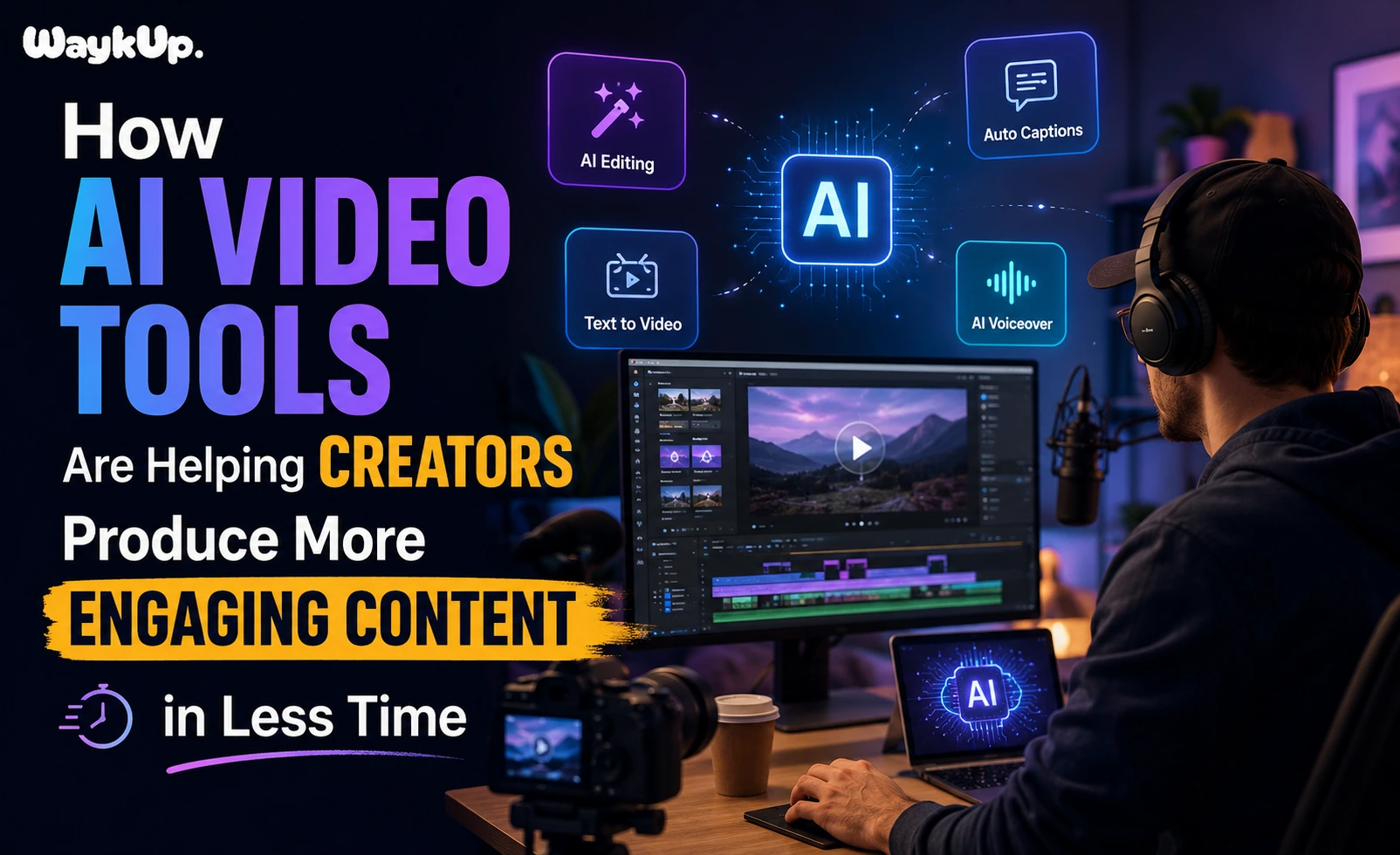
Ever stared at a blank timeline past midnight, trying to work out how you’re supposed to post three Reels, a YouTube video, and a festival special before the week’s out? That’s the real problem most creators are dealing with right now. Not a shortage of ideas, honestly. Just not enough hours in the day. And that gap, between what your audience expects and what one person can realistically shoot, edit, and get published, is basically why an AI video generator has turned into one of the more useful things sitting in a creator’s toolkit this year.
Solo creators, small marketing teams, even YouTube channels that have been around for years, they’re all leaning on some form of AI video generator just to keep pace with a content calendar that never really lets up. Work that used to eat an entire production day now gets done over a lunch break, more or less. And that shift alone is changing how a lot of people plan their whole month.
Why Content Creators Are Turning to AI Video Tools in 2026
Indian creators are putting out more content than they ever have. Reels, Shorts, long-form YouTube videos, all of it demands a steady stream of new material, and audiences notice fast when a channel goes quiet for even a week. Throw in festival season, brand deals, and trending audio windows that close within days, and the pressure basically never lets up.
AI video tools step into this picture, though not quite in the way people sometimes assume. They’re not trying to take over the creative calls that make a channel feel like an actual person made it. What they do instead is handle the repetitive, time-eating parts, scripting drafts, rough cuts, captions, voiceovers, scene assembly, freeing up a creator’s real time for what actually matters: the hook, the story, whatever personality keeps people coming back.
What Does an AI Video Generator Actually Do?
In simple terms, an AI video generator takes a script, a blog post, sometimes just a short prompt, and turns it into something close to a finished video. Depending on the platform, it can pull in stock footage, generate its own visuals from a description, drop in background music, sync up captions, even add an AI presenter, all without anyone touching a camera.
For someone working solo, that means an afternoon can now produce what used to take three days of filming and editing. For a small team, one editor can cover what previously needed two or three people. That shift in how much gets done per hour is really the whole reason this kind of tool went from a curiosity to a fixture in most workflows.
It’s probably more useful to think of it as a first-pass collaborator than a replacement for an editor. The tool handles the heavy lifting on assembly, fast, and the creator steps in afterward to shape it into something that actually sounds like them.
How to Create Videos with AI: A Simple Workflow for Creators
A lot of creators trying this for the first time aren’t sure where to even start, so here’s a workflow that tends to work for most kinds of content.
- Start with a clear script or outline: Even a messy bullet list works, honestly, since the tool just needs some sense of structure before it can generate anything worth using.
- Pick a template or format that fits the platform: A YouTube explainer moves at a different pace than a fifteen-second Reel.
- Let the tool put together a first draft: Visuals, voiceover, captions, whatever comes with the AI video generator you’re using.
- Go back and adjust the pacing: AI output is a decent starting point, not a finished product, so cutting an awkward pause or swapping a weak clip usually makes a real difference.
- Add something of your own: A personal intro, a local reference, a joke only your audience gets, this is the part that keeps a video from feeling like everyone else’s.
Sticking to that order is basically what separates creators who get real mileage out of AI video creation tools from the ones who end up with something flat and forgettable.
Key Benefits of Using AI Video Editing Tools for Content Creators
Faster Turnaround Without Sacrificing Quality
Speed is probably the biggest selling point of AI video editing tools. Automated cuts, filler-word removal, instant captioning, these can shave hours off one edit. Creators who used to spend a whole evening on a single video are now wrapping the same job in under an hour.
Lower Production Costs
Studio time, hired editors, stock footage subscriptions, it all adds up fast. AI content creation tools cut a lot of that overhead, which matters most if you’re a solo creator or a small team working without much of a budget to begin with.
Easier Repurposing Across Platforms
One long-form video can turn into ten short clips, reformatted for vertical viewing, captioned automatically. That’s honestly one of the most practical uses for an AI video maker, since repurposing what you already have is usually faster and more reliable than building something new for every single platform.
Consistency at Scale
Audiences tend to reward channels that show up regularly. AI video tools for content creators make it realistic to hold a steady schedule even during the weeks packed with travel, exams, or a day job that eats most of your time.
AI Content Creation Tools vs Traditional Video Production
Traditional production still matters, especially for brand campaigns, cinematic storytelling, or anything where visual polish is really the point. But for most everyday content, AI content creation tools now cover what a creator actually needs day to day: quick turnaround, lower cost, and enough quality to hold someone’s attention while they’re scrolling.
The real comparison isn’t AI against human effort, not really. It’s more that AI takes care of the repetitive eighty percent, so a creator’s energy can go toward the twenty percent that actually needs a person behind it, the concept, the timing, the personality on screen.
Cost is the part of this that doesn’t get talked about enough. A traditional shoot means a location, sometimes a crew, editing hours billed by the clock. An AI video generator folds most of that into one subscription, which is why plenty of creators who could never justify a full production team are now putting out content that looks like it came from one anyway.
Choosing the Best AI Video Generator for Content Creators
Not every tool suits every workflow, so the best AI video generator for content creators really comes down to what you’re actually making.
- If you mostly want to turn blogs or scripts into shareable clips, look for something built around repurposing text and long-form content.
- If you need a presenter without ever filming yourself, go with platforms known for realistic AI avatars and natural-sounding voiceovers.
- If your work is mostly short-form, pick something built for vertical formats and fast rendering.
- If you’re managing a team, look for shared projects and multiple people editing the same file at once.
Trying out two or three options on an actual project, not just a demo script, is usually the fastest way to find what fits how you work. We’ve broken down individual platforms and how they stack up in our list of the best AI video tools for 2026, worth a look before you commit to a paid plan.
Pricing tiers can be a little misleading too. Some platforms look cheap at first glance, then charge extra for HD exports or longer render times, so it’s worth mapping out your expected monthly output against the plan before handing over an entire month’s content calendar to one platform.
Using an AI Video Generator for YouTube Videos
YouTube rewards consistency and watch time, so this is one of the strongest use cases for the technology. An AI video generator for YouTube videos can take on the parts that eat the most time, turning a script into a rough cut, suggesting B-roll, adding chapter markers, producing clean captions for both accessibility and SEO.
Long-form content still benefits from a human pass before it goes live, mostly for pacing and personality, but starting from a generated draft instead of a blank timeline saves most creators several hours per video. Anyone building a channel from nothing can pair this with lessons from creators who built their following the slow way, long before any of these tools existed, which we cover in our guide to the top YouTubers in India.
Thumbnails and titles are still worth handling separately, since no AI video generator is going to reliably judge what makes someone stop scrolling on a crowded homepage. Treat the generated video as the finished body of work, and put your remaining time into whatever actually earns the click.
What to Look For in the Best AI Video Editing Tools in 2026
The market’s matured fast, and not every tool holds up once you’re under real production pressure. A few things matter more than a flashy demo when you’re comparing the best AI video editing tools in 2026.
- Output quality under real conditions, not just the polished sample video sitting on the homepage.
- Export flexibility, since a tool that only spits out square videos isn’t much use if you’re publishing across YouTube, Instagram, and everywhere else.
- Turnaround speed on longer projects, some platforms slow down noticeably once a video runs past a few minutes.
- How easy revisions are, since swapping a clip or nudging the pacing matters more day to day than any one flashy feature.
- Fair pricing at your actual volume, because some tools get expensive fast once you’re past a handful of videos a month.
Common Mistakes Creators Make With AI Video Tools
The most common mistake, by far, is publishing the first generated draft without even reviewing it. Raw AI output often has awkward pacing or generic-sounding lines that a quick pass fixes easily enough.
Ignoring platform-specific formatting is another one. A video built for one aspect ratio rarely holds up once it’s stretched or cropped for a different one.
And some creators skip adding anything personal at all, which leaves the content feeling interchangeable with a dozen other AI-assisted videos out there. A short intro, a local reference, even a specific tone of voice, that’s usually enough to keep a channel feeling like itself.
The Human Side: Why AI Video Maker Tools Still Need a Creative Eye
None of this replaces judgment, and it probably never will. An AI video maker can assemble footage, sync audio, generate captions, but it has no way of knowing what your audience actually cares about this particular week, or reading the room the way someone who’s spent months building trust with their community can.
The creators getting the best results tend to treat these tools the way a good editor treats a rough cut, useful, fast, but always subject to one last human pass before anything actually goes live. That balance, not full automation, is really what’s helping people put out more engaging content in less time.
The bigger shift happening this year isn’t that machines are making videos now. It’s that creators finally have some room to think again, about the story they actually want to tell, the community they’re building, the version of their channel they want to grow into, instead of burning every spare hour just keeping the upload schedule alive. An AI video generator won’t hand you that vision. It just buys back the time to go build it yourself. If you’re curious about specific platforms worth testing this year, our AI script generator comparison for Indian creators and AI voiceover tools for YouTube in Hindi and English are both in the works, along with a closer look at editing workflows built for Instagram-first creators.
Frequently Asked Questions
1. What is an AI video generator and how does it work?
It’s a platform that turns a script, blog post, or text prompt into a video automatically, matching visuals, voiceover, and captions to whatever content you give it. Under the hood it uses trained models to pick or generate footage, sync audio, and stitch together a finished sequence without anyone filming or editing by hand.
2. Do these tools actually save time for content creators?
For most people, yes. Creators regularly report cutting production time by more than half, since scripting, rough editing, and captioning all happen automatically. That saved time usually goes back into refining the hook, tightening pacing, and adding the personal touches before anything gets published.
3. How much does it cost to use one?
Pricing swings pretty widely, from free plans with watermarks and export limits to monthly subscriptions built for teams pushing out higher volume. Most solo creators do fine on a mid-tier plan, though it’s worth checking the export limits and render speed before you commit.
4. Are AI-generated videos good enough for Instagram Reels?
For short-form content, they often hold up well, especially paired with trending audio and a strong opening hook. The main thing is reviewing the pacing before you post, since Reels reward tight, fast-moving edits over longer, straight-off-the-generator drafts.
5. Will AI video tools make video editors unnecessary?
Not entirely, no. AI handles repetitive assembly work well enough, but creative judgment, brand-specific polish, and more complex storytelling still benefit from an actual editor. Most creators who are getting good results use AI for speed and save the manual editing for the final pass.